



Fortuzino App
Being present on all devices is a good strategy, and the Fortuzino App is our way of being with our players on whichever gadget they prefer. It’s a great way to experience our online casino on your smartphone or tablet. Or whichever other device with internet access you have.



Key Features of the Fortuzino App
Statistics show that more of you are reading this text on your phone, not on a desktop monitor. This is not a peculiarity of Fortuzino Casino—smartphones are much more popular than personal computers in general. If most of our players prefer phones, it is only right that we deliver to you the tailored mobile casino experience you deserve.
The app we developed works like any other software you have on your device. Maybe even better—it loads fast and takes up little storage space. We followed all the best practices when designing the app to maintain the standard we set with our browser version.
The main reason to choose the app over the browser version is its accessibility. The Fortu Zino Casino app automatically scales with your screen resolution while preserving all the elements that need to be present. Features that add little value, such as the address bar, are removed to streamline the gaming experience.
All the usual functions are present: you can play games, check out promotions, claim bonuses, deposit funds, and adjust settings in your profile. If you completed the verification process, you can also withdraw funds using your device.
Pros and Cons of the Fortuzino App
We put a lot of thought and effort into making mobile software that is convenient yet not demanding in terms of device requirements.
| Advantage | Explanation |
| Quick Access | You don’t need to type in the name of our casino every time you want to visit us. You don’t even need to launch your browser if you saved our website in a tab. One click is all you need. |
| Small Storage Space Requirements | Progressive web applications run in a browser, which means we only need enough space to create a shortcut with some additional embellishments on top. However loaded your phone might be, there will definitely be enough space for us. |
| Optimization for Mobile Devices | If you visit Fortuzino Casino using a mobile browser, it will look different from the desktop version. Our app takes these differences one step further and removes all browser interface elements that are not useful to the player. |
| Quick Updates | Instead of scheduled patches, we offer a more convenient option: your app is updated every time you launch it. This way, you will always have the latest version that doesn’t take up much storage space. |
| Enhanced Security | The Fortuzino App can use your phone’s security measures, like Face ID and Touch ID. Not only does it make for access quicker than entering a password, but also enhances security so that no other person can use your account. |
Our software is not a perfect choice for everyone. Most of you, probably, but not everyone. Some restrictions will make using the app suboptimal or even impossible.
- Restricted Location Access. In some countries, online casinos are not legally allowed. You won’t be able to download our app from there. Also, Fortu Zino Casino might be inaccessible in your location even if there is no legal ban. You will learn about the situation right away when you visit our website for the first time.
- Outdated Device. If you use older gadgets that don’t support the latest browser versions or don’t have an internet connection whatsoever, you won’t be able to use the Fortuzino App.
- Battery and Memory Usage. Even though we are not a full-scale app, our resource usage matches that of other gaming software you might have. Navigating the main page doesn’t consume too much energy, but online slots and live casino games are more demanding.
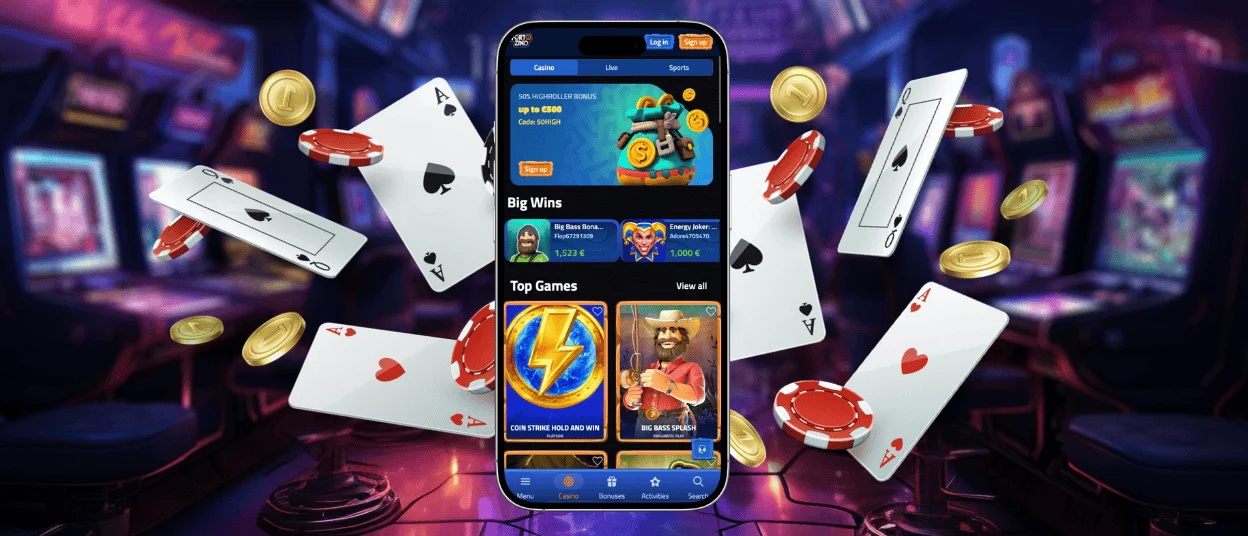
Mobile Application for iPhone and iPad
All Apple users can get our software without going to the App Store. You only need to visit the Fortuzino Casino website, scroll down our slide-out menu, and click on our Casino App banner. After that, you will be transferred to the installation page. Our software only requires 12 MB of storage space.
Alternatively, you can add a Fortu Zino app to your home screen by opening the website in Safari. Click “Share”, select “Add to Home Screen”, and confirm your choice with “Add”. If something won’t work, you can always contact our Support Team, and we will find a solution together.
Fortuzino App for Android
Android players can get our app by following similar steps. The exact installation sequence may vary depending on the browser you use, but only for creating a shortcut by yourself. If you go to our Casino App banner, you will complete everything in a matter of seconds.
We ask you to refrain from installing Fortuzino Casino using any APK files you find. The internet is full of malicious files that can harm your device and steal your data. If you want to use an app, download it from our official website.
Play Fortu Zino Casino on Mac or Windows
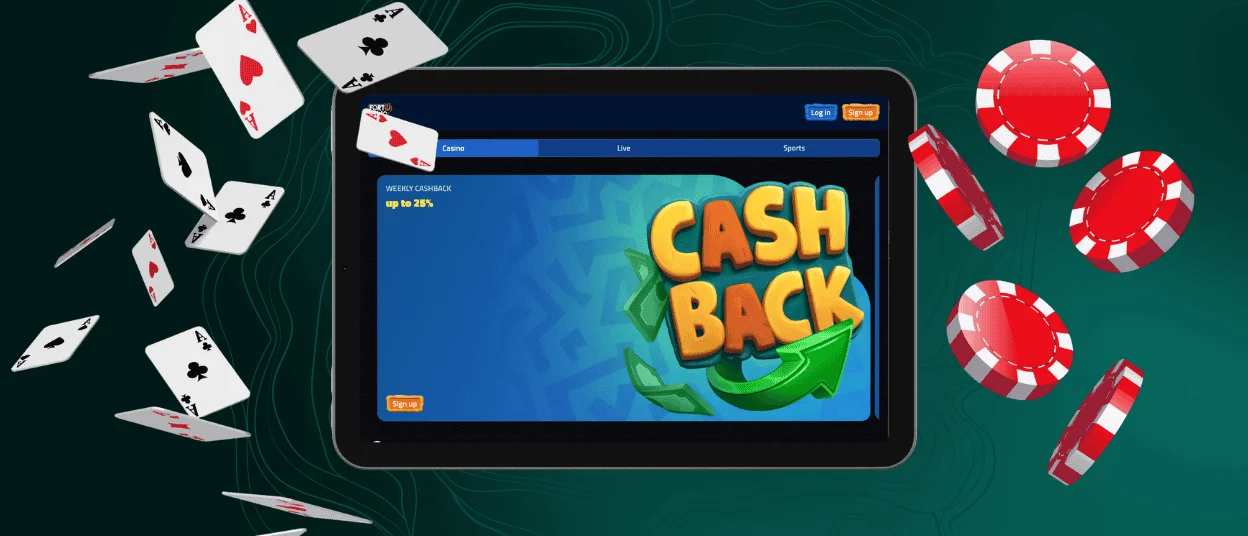
Now, you might think we left nothing for our desktop users, but that is not the case. After all, software doesn’t discriminate based on devices. You can visit Fortuzino Casino in your browser as usual or get the app directly from the address bar. Confirm installation and enjoy the same benefits as mobile players.

How to Install the Fortuzino App on Any Device
Whichever device you use, there is a universal method for installing the Fortuzino Casino software.
| Step 1 | Open the slide-out menu or scroll down to the footer of the main page. |
| Step 2 | Click on the Casino App banner |
| Step 3 | Install the app by clicking on the corresponding button |
| Step 4 | Confirm your choice |
This is a foolproof method for getting the Fortuzino app. You don’t need to look for ways to share or save the main page, pin it down, or create icons. If you have further questions, we are happy to answer them in live chat or email.
Fortuzino PWA Security Advantages
The security of your data is our responsibility. To make sure any information you provide for your account remains safe, we use encrypted data exchange, secure tokens for login sessions, and automatic logout protection. We also don’t store any information directly on your device.
In short, we use the same methods to secure your data as the browser version of Fortu Zino Casino. We want your experience with us to be secure, and we will do what we must to ensure that.
FAQ
Does the Fortu Zino app support push notifications?
Yes, it does. Notification settings can be found in your Profile settings, along with the Inbox, which contains all our messages to you.
What should I do if the app crashes or freezes?
If the app malfunctions, a simple reload should fix it. It updates with every launch, so you should no longer experience any inconvenience in the next session. You can contact our support team if issues persist.
Does uninstalling the Fortuzino app delete my account?
No, your account data is not stored exclusively on your device. You simply delete the shortcut to our website. Your account can be deleted only if you submit the corresponding request.


